- +97333604037
- sales@technology-valley.net

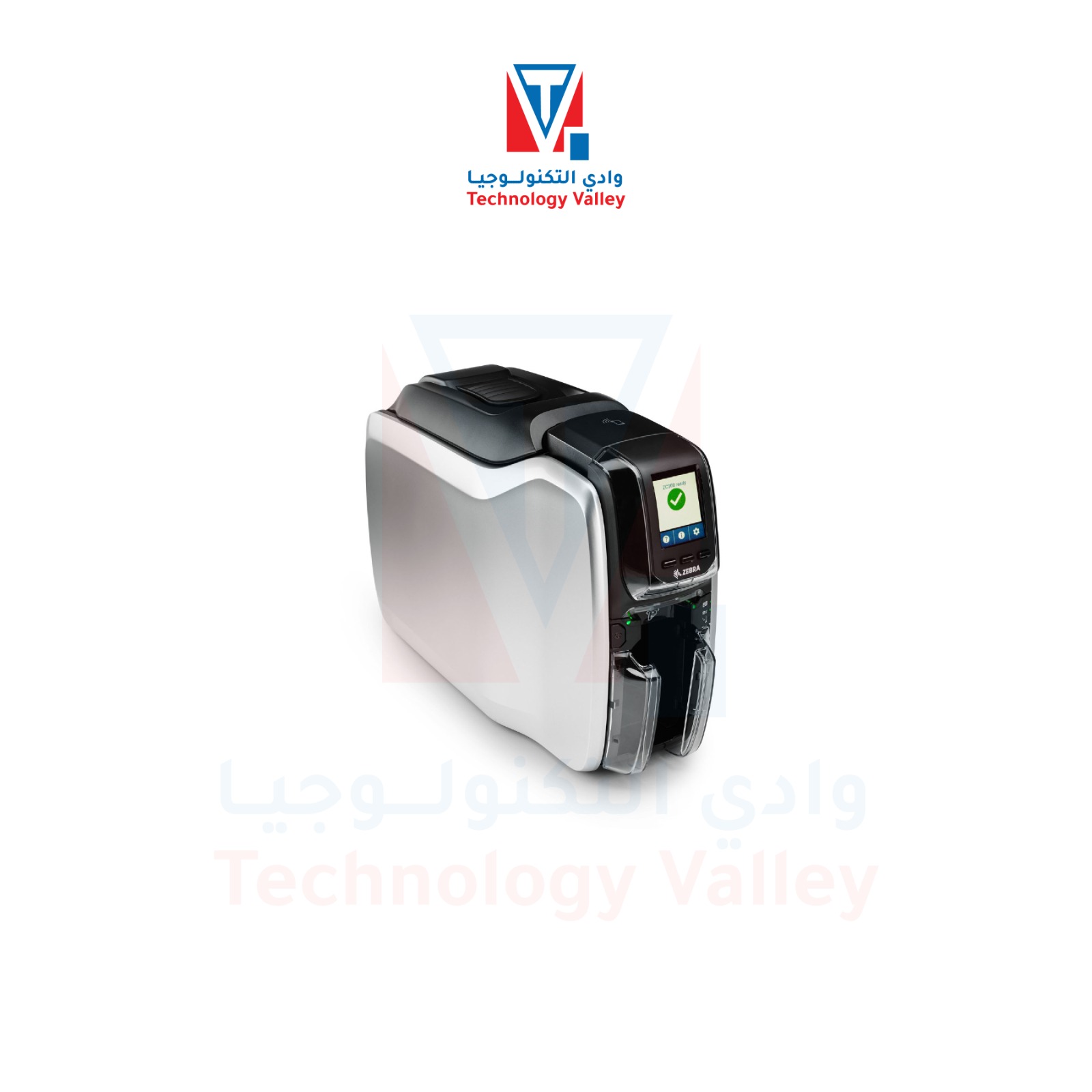
This listing presents the Zebra ZC300 as a single-sided direct-to-card printer with USB 2.0 and 10/100 Ethernet for employee badges, membership cards and visitor IDs in Bahrain. Before ordering, require the written quotation to identify the exact Zebra manufacturer part number and every included item.
Choose the configuration from the card workflow, not from the product image alone. Confirm whether cards need front-only or automatic two-sided printing, colour or monochrome output, electronic encoding, card-design software and supplies.
| Print method | Dye-sublimation thermal transfer, direct to card |
|---|---|
| Resolution | 300 dpi |
| Single-sided throughput | Up to 200 cards/hour in YMCKO colour and up to 900 cards/hour in monochrome under the manufacturer’s test conditions. Actual output depends on the print job, settings and computer. |
| Connections | USB 2.0 and 10/100 Ethernet are stated for this listing. Wi-Fi is an optional ZC300-series configuration and must be confirmed by exact manufacturer part number. |
| Card handling | 100-card input and output hoppers at 30 mil; manual feeding is available. |
| Cards | CR80 and CR79 PVC or PVC-composite cards, 10–40 mil thick. Confirm the card material and thickness for the intended print and encoding workflow. |
| Single-sided unit weight | 4.0 kg |
| Print Touch | The built-in NFC tag provides access to online printer help and documentation; it is not a card encoder. |
Review the Zebra YMCKO colour ribbon listing when planning supplies. Match the complete ribbon part number, regional compatibility and stated yield to the printer configuration and card artwork.
This listing is single-sided. If you require automatic two-sided printing, request a dual-sided ZC300 configuration and its exact manufacturer part number in the quotation. Do not assume that the listed unit can be upgraded in the field.
They are not confirmed—do not assume they are included. The written quotation should itemise the printer, compatible ribbon and yield, blank-card specification, card-design software licence, installation or training, and every other included item separately.
Encoding is configuration-dependent and is not implied by the product name or image. State the card technology and access-system requirement, then require the exact encoder and manufacturer part number in the written quotation. Encoder availability does not by itself prove compatibility with an existing access system.
Do not send cardholder data, card numbers, access credentials, card artwork or images of issued ID cards. The written quotation should confirm the exact Zebra part number, included items, warranty and fulfilment details.
Compare other ID card printers or read the Bahrain card-printer buying guide.
Technical reference: View the official Zebra ZC300 specification sheet (PDF).


Ahmad –
Reliable ,fast , high-quality prints ,easy to use